For Final Cut Pro

Final Cut Pro plugins, titles and transitions

130 native Apple Motion plugins across 31 categories. Real FxPlug effects built for Final Cut Pro, not generic overlays: they install to your effects browser and are edited from the inspector like anything Apple ships.

Everything in the collection

130 plugins, grouped the same way they appear in your Final Cut Pro browser. Each card shows whether those are titles, effects, transitions or generators, because that is what decides where you drag them from.

  • 94 titlesTitles browser
  • 28 effectsEffects browser
  • 6 transitionsTransitions browser
  • 2 generatorsGenerators browser

Camera Moves

  • Title13
  • Effect7

13 titles and 7 effects.

  • 3D Swing
  • Camera Roll
  • Camera Shake
  • Crash Zoom
  • +16 more

Cut Transitions

  • Title15

15 titles.

  • Bands Cut
  • Flash Cut
  • Focus Cut
  • Glitch Cut
  • +11 more

Color Correction

  • Title6
  • Effect5

6 titles and 5 effects.

  • B&W (Adjustment)
  • Deep Color
  • Duotone (Adjustment)
  • Gradient (Adjustment)
  • +7 more

Callouts

  • Title9

9 titles.

  • Callout
  • Check & Cross
  • Circle Marker
  • Click
  • +5 more

Overlays

  • Title3
  • Effect6

3 titles and 6 effects.

  • Film Grain
  • Light Leaks
  • VHS
  • Chromatic Aberration
  • +5 more

Gaming Overlays

  • Title8

8 titles.

  • Achievement Unlocked
  • Dialogue Box
  • Game Over
  • Health Bar
  • +4 more

Podcast

  • Title5

5 titles.

  • Episode Card
  • Speaker Tag
  • Subscribe Reminder
  • Topic Card
  • +1 more

Transitions

  • Transition5

5 transitions.

  • Glitch
  • Gradient Wipe
  • Pixelate
  • Whip Pan
  • +1 more

Backgrounds

  • Title4

4 titles.

  • Blur Background
  • Chroma Green Background
  • Gradient Background
  • Solid Background

QR Codes

  • Title3
  • Generator

3 titles and 1 generator.

  • Photo Stamp
  • QR Image
  • QR Image 2
  • QR Code

Mockups

  • Title4

4 titles.

  • Browser Mockup
  • Laptop Mockup
  • Phone Mockup
  • Search

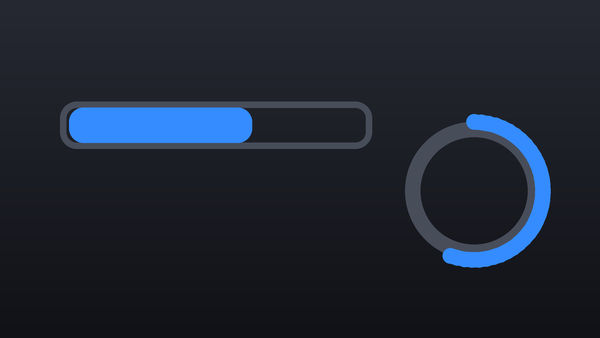
Progress Bars

  • Title4

4 titles.

  • Progress Bar
  • Progress Circle
  • Progress Dots
  • Progress Gauge

Animation

  • Effect3

3 effects.

  • Build In-Out
  • Ease Movements
  • Ken Burns

Skin Retouch

  • Effect3

3 effects.

  • Eye Retouch
  • Lip Retouch
  • Skin Retouch

Bullet Points

  • Title3

3 titles.

  • Bullet List
  • Bullet Point
  • Bullet Point Image

Text

  • Title3

3 titles.

  • Card Text
  • Flip Card
  • Simple Text

Arrows

  • Title2

2 titles.

  • Arrow
  • Arrow Multi

Frames

  • Title2

2 titles.

  • Frame 01
  • Frame 02

Masks

  • Effect2

2 effects.

  • Auto Redact
  • Shape Mask

Panels

  • Title2

2 titles.

  • Side Panel
  • Stack Panels

Borders

  • Effect

1 effect.

  • Rounded & Border

Glow

  • Effect

1 effect.

  • Edge Glow

Icons

  • Generator

1 generator.

  • SF Symbol

How you install them

You do not copy files into a templates folder. The AwesomeFCP Manager is a small Mac app that installs the plugins you pick, shows which ones you already have and updates them when we fix something.

  1. Open the Manager and pick what you want.
  2. It installs them for you. No installer, no background process.
  3. Quit Final Cut Pro and open it again.

They show up in your Titles, Effects, Transitions and Generators browsers. Because every name starts with Awesome, they sort to the top of the list instead of being scattered through it.

This is also how fixes reach you: we correct a plugin, the Manager offers the update and downloads only what changed, so you never reinstall anything by hand. More about installing and updating.
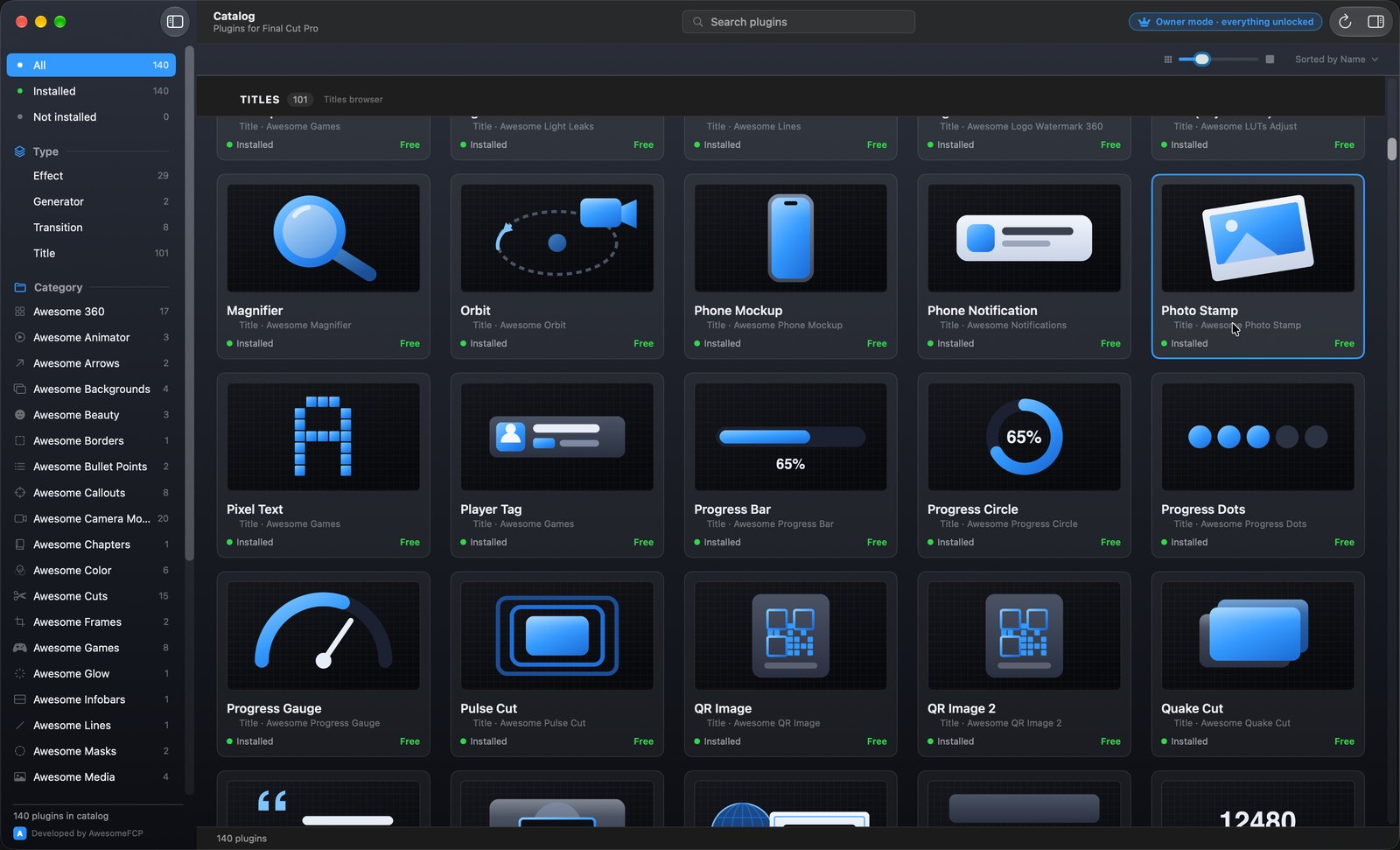
The AwesomeFCP Manager listing the plugin catalogue, with each plugin marked as installed.