

Collection · 1 plugin
Lab
- Title
1 title.
- OSC Probe
1 plugin: 1 title. They install with Awesome Video Studio and show up in your Final Cut Pro browser under Awesome Lines, which is how you find them once they are installed.

Lines
Lines
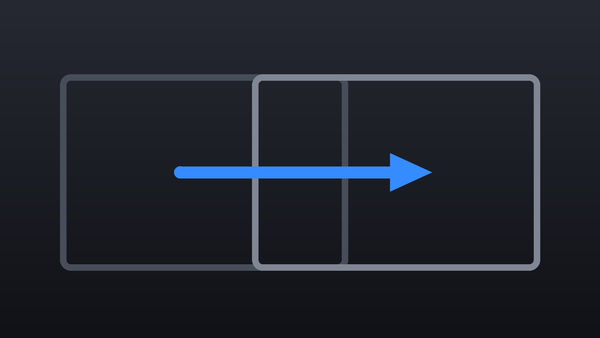
Draws up to three straight lines over your video. Set the start and end point of each one, the thickness and color, and switch to a dashed line if you need it.
Every plugin here is a real FxPlug effect, not a preset or an overlay file. Awesome Video Studio installs them and keeps them up to date, so a fix reaches you without reinstalling anything by hand.
They appear in Final Cut Pro under Awesome Lines, and because every name starts with Awesome they sort to the top of the browser instead of being scattered through it.
Collection · 1 plugin
1 title.

Collection · 1 plugin
1 title.

Collection · 19 plugins
12 titles, 5 effects and 2 transitions.
Collection · 18 plugins
12 titles and 6 effects.