
Collection · 18 plugins
Camera Moves
- Title12
- Effect6
12 titles and 6 effects.
- 3D Swing
- Camera Roll
- Camera Shake
- Crash Zoom
- +14 more
19 plugins: 12 titles, 5 effects, 2 transitions. They install with Awesome Video Studio and show up in your Final Cut Pro browser under Awesome 360, which is how you find them once they are installed.
360° Bullet Point
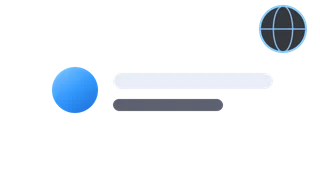
360° Bullet Point
One bullet per title for 360 video: a glyph chip (dot, check, star, number, letter) plus your text, kept straight on the sphere, with staggered build in and out.

360° Callout
360° Callout
Text box for 360 video with a line, arrow or elbow connector to a target. Drag the box and the target handles separately in the viewer to aim it.
360° Chapter Break
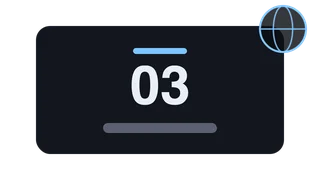
360° Chapter Break
Full-frame chapter card for 360 projects: title, subtitle and optional chapter number over a solid or gradient background, in four styles with fade, zoom or slide builds.

360° Speaker Tag
360° Speaker Tag
Name and role lower third for 360 video, with accent bar, card, two pills or underline layouts. Accent, name and role build in one after another.

Brand Intro 360
Brand Intro 360
Opening brand card for 360 tours: drop your crest or logo in, add a name, tagline and year, and pick a solid, vignette or gradient backdrop that fills the sphere.

Call To Action 360
Call To Action 360
Closing card for 360 tours with a headline plus website, phone and email lines, optional icons and a button-style headline. Lines can build in one by one.
Logo Reveal 360
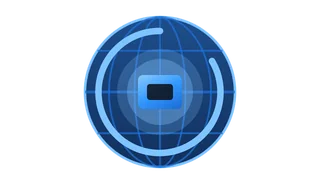
Logo Reveal 360
Drop in a logo and it reveals with a glow bloom and a spinning ring of light, drawn straight at any angle on the sphere. Remove Background cuts out a plain backing.

Logo Watermark 360
Logo Watermark 360
Drop in a logo as a 360 watermark: one copy, repeated N times around the sphere so one is always in view, or a continuous band around the equator. Optional wordmark.
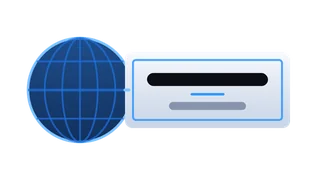
Room Label 360
Room Label 360
Room name sign anchored on the sphere for 360 tours, with subtitle and detail lines. Four styles (plaque, crest bar, serif underline, stacked rule) with tinted rules.
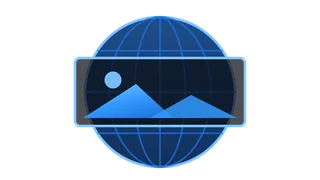
Sphere Image 360
Sphere Image 360
Drop an image into a 360 project: place it at one spot on the sphere, or switch to Full Sphere to wrap it pole to pole as a background behind your other titles.

Tour Arrow 360
Tour Arrow 360
Direction arrow on the sphere that shows where a 360 tour goes next. Set the angle, pick chevron, solid or floor marker styles, and animate it with march, pulse or bob.
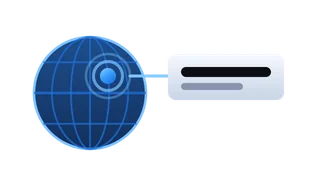
Waypoint 360
Waypoint 360
Point of interest marker for 360 video: a pulsing dot, ring, pin or number with a leader line out to a title and caption. Set the label side and leader length.
360° Black & White
360° Black & White
Drop on a 360 clip to turn it black and white by luminance, average, max or a channel mixer with your own RGB weights. Amount blends it back toward color.
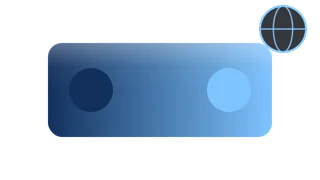
360° Duotone
360° Duotone
Drop on a 360 clip to map shadows and highlights to two colors of your choice, with an amount slider and blend modes like multiply, screen and soft light.

360° Gradient
360° Gradient
Drop on a 360 clip to color it with a two or three stop gradient, either mapped to brightness or laid across the frame at an angle you set. Blend modes included.
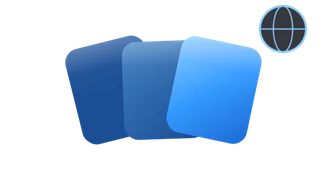
360° LUTs
360° LUTs
Drop on a 360 clip and pick a look: teal and orange, warm film, cool cine, vintage fade or mono contrast. Amount sets the strength; it can fade or wipe in.
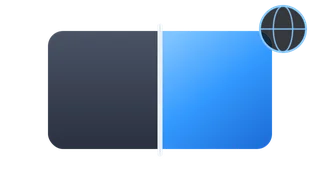
360° Tint
360° Tint
Drop on a 360 clip to wash it in one color, with an option to keep the original brightness and blend modes for stronger looks. The tint can fade or wipe in.
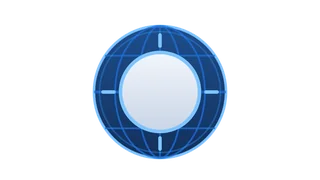
Iris Reveal
Iris Reveal
Place between two 360 clips: a circle opens on the sphere to reveal the next shot, round even near the poles. Drag the center and add a soft edge or colored border.

Sphere Spin
Sphere Spin
Place between two 360 clips: the sphere spins on its axis and lands in the next shot, like turning your head. Set the angle, axis, direction and motion blur.
Every plugin here is a real FxPlug effect, not a preset or an overlay file. Awesome Video Studio installs them and keeps them up to date, so a fix reaches you without reinstalling anything by hand.
They appear in Final Cut Pro under Awesome 360, and because every name starts with Awesome they sort to the top of the browser instead of being scattered through it.
Collection · 18 plugins
12 titles and 6 effects.
Collection · 15 plugins
15 titles.
Collection · 13 plugins
9 titles and 4 effects.
Collection · 11 plugins
6 titles and 5 effects.