
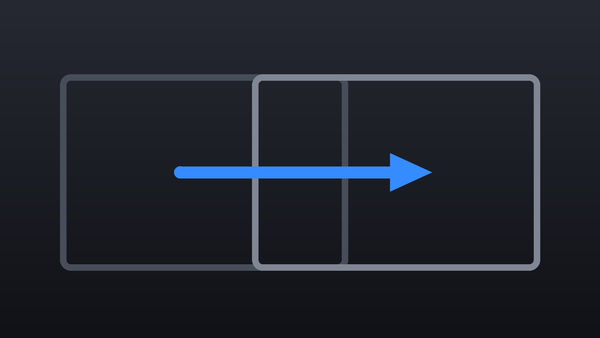
Collection · 18 plugins
Camera Moves
- Title12
- Effect6
12 titles and 6 effects.
- 3D Swing
- Camera Roll
- Camera Shake
- Crash Zoom
- +14 more
15 plugins: 15 titles. They install with Awesome Video Studio and show up in your Final Cut Pro browser under Awesome Cuts, which is how you find them once they are installed.

Bands Cut
Bands Cut
Adjustment layer for jump cuts: colored bands sweep across and cover the cut. Pick up to three colors, the band count and direction, and straight, wave or zigzag edges.
Flash Cut
Flash Cut
Adjustment layer you lay over a jump cut: a burst of color flashes at the cut to hide it. Set the flash color and intensity, plus an optional zoom pump and motion blur.
Focus Cut
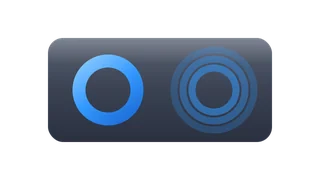
Focus Cut
Adjustment layer that hides a jump cut by dropping the clips underneath into blur and back. Max Blur sets how far it goes, Bloom adds glow, and Punch sets how hard it hits.
Glitch Cut
Glitch Cut
Adjustment layer that covers a jump cut with a quick glitch burst: RGB split plus shifted slices. Set the split amount, the number of slices and how far they offset.
Pulse Cut
Pulse Cut
Adjustment layer that pumps a zoom over the clips below at a jump cut, with a chromatic fringe on each beat. Set the amount, the number of pulses and the fringe strength.
Quake Cut
Quake Cut
Adjustment layer that shakes the clips underneath in a short burst centered on the cut. Set shake amount, frequency and rotation, and add motion blur to sell the hit.

Shape Cut
Shape Cut
Adjustment layer that covers a jump cut with a colored iris: a circle, square or diamond grows over the picture. Pick two colors and drag the center to where the shape opens.
Slide Cut
Slide Cut
Adjustment layer that slides the picture off and back across the cut over a solid background. Choose one of eight directions, the distance, the background color and motion blur.
Smear Cut
Smear Cut
Adjustment layer that hides a jump cut with a long directional smear of the clips below. Choose horizontal, vertical or diagonal, and set the smear length and Punch.
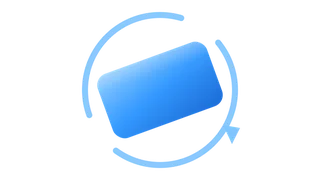
Spin Cut
Spin Cut
Adjustment layer that whips the picture into a fast rotation across the jump cut. Set the direction and angle, add a zoom pump and motion blur, and pick Soft, Medium or Hard punch.
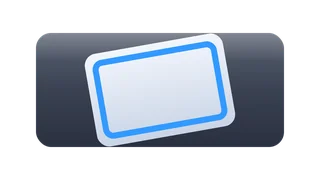
Stamp Cut
Stamp Cut
Adjustment layer that slams the shot down onto the cut and lets it settle with a damped bounce instead of springing back. Set rotation, overshoot, bounces and impact shake.
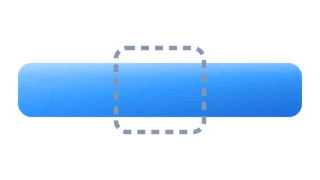
Stretch Cut
Stretch Cut
Adjustment layer that gives a jump cut an anamorphic stretch: the picture snaps wide or tall and back. Pick the axis, the stretch and squash amounts, and motion blur.
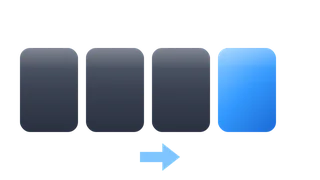
Super Speed
Super Speed
Adjustment layer that rushes the picture several screens in one direction across the cut, tiling the image as it flies. Pick one of eight directions, distance and motion blur.

Whip Cut
Whip Cut
Adjustment layer for jump cuts: a fast directional whip pan with motion blur crosses the cut. Choose one of eight directions, how far it travels and how hard it punches.
Zoom Punch
Zoom Punch
Adjustment layer that punches the zoom in or out so it peaks right on the jump cut. Set the amount, drag the center to where it zooms, and add motion blur.
Every plugin here is a real FxPlug effect, not a preset or an overlay file. Awesome Video Studio installs them and keeps them up to date, so a fix reaches you without reinstalling anything by hand.
They appear in Final Cut Pro under Awesome Cuts, and because every name starts with Awesome they sort to the top of the browser instead of being scattered through it.
Collection · 18 plugins
12 titles and 6 effects.
Collection · 13 plugins
9 titles and 4 effects.

Collection · 19 plugins
12 titles, 5 effects and 2 transitions.
Collection · 11 plugins
6 titles and 5 effects.