
Collection · 15 plugins
Cut Transitions
- Title15
15 titles.
- Bands Cut
- Flash Cut
- Focus Cut
- Glitch Cut
- +11 more
13 plugins: 9 titles, 4 effects. They install with Awesome Video Studio and show up in your Final Cut Pro browser under Awesome Callouts, which is how you find them once they are installed.

Callout
Callout
A text box with a connector line pointing at a target. Drag the box and the target point in the viewer, pick line, arrow or elbow, and style the box fill, border and shadow.

Check & Cross
Check & Cross
A tick or cross that draws itself over your video, in eight stroke styles from clean to hand drawn, circled or boxed. Add an optional text label and set how fast it draws on.
Circle Marker
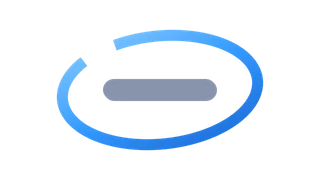
Circle Marker
A circle or ellipse that draws itself around whatever you want to point out. Move, scale and rotate it in the viewer, and choose clean, hand drawn, double stroke or marker style.

Click
Click
A cursor with animated click ripples for screen tutorials. Set how many clicks happen and when, pick the cursor (arrow, hand, I-beam and more) and the ripple style, plus an optional label.

Magnifier
Magnifier
An adjustment layer that puts a magnifying lens over the clips below it. Drag the crosshair to pick the spot, the ring to set zoom, and optionally dim, blur or desaturate the rest.

Redact
Redact
An adjustment layer that hides a region of every clip underneath it: pixelate, blur or a solid color box. Size it with the handles in the viewer and soften the edge with feather.
Spotlight
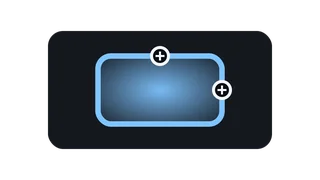
Spotlight
An adjustment layer that keeps one area clear and dims, blurs or desaturates the rest of the clips below. Place it with the crosshair, size it with the side handles, set the feather.
Underline
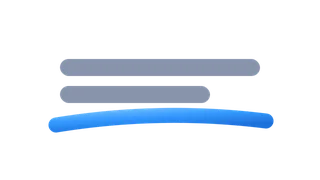
Underline
An animated underline that draws itself across the screen. Drag its start and end points in the viewer and choose straight, hand drawn, wavy or highlighter style.
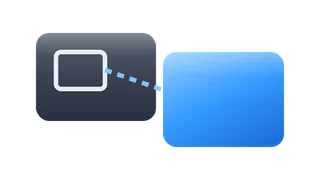
Zoom Box
Zoom Box
An adjustment layer that shows an enlarged inset of part of the clips below, like a tutorial zoom. Frame the source area and the inset box separately, with optional connector and border.

Magnifier
Magnifier
The magnifying lens dropped straight onto one clip instead of above it. Drag the crosshair to aim it, the ring to zoom, and pick ellipse, rectangle, squircle or hand drawn shape.

Redact
Redact
Censors part of a single clip: drop it on the clip and pixelate, blur or cover a region with a solid color. Size the area with the handles in the viewer, rounded or elliptical.
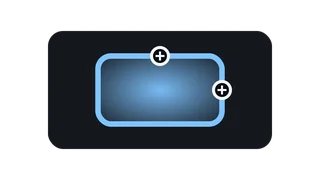
Spotlight
Spotlight
Highlights one area of a single clip by dimming, blurring or desaturating everything around it. Drop it on the clip, then drag the crosshair and side handles to frame the spot.
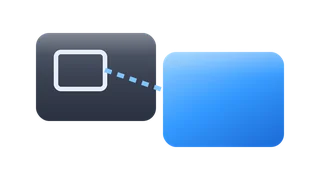
Zoom Box
Zoom Box
A zoomed inset applied directly to one clip. Pick the source area with its own handles, place and size the enlarged box, and add a border, shadow or connector between them.
Every plugin here is a real FxPlug effect, not a preset or an overlay file. Awesome Video Studio installs them and keeps them up to date, so a fix reaches you without reinstalling anything by hand.
They appear in Final Cut Pro under Awesome Callouts, and because every name starts with Awesome they sort to the top of the browser instead of being scattered through it.
Collection · 15 plugins
15 titles.

Collection · 11 plugins
6 titles and 5 effects.

Collection · 19 plugins
12 titles, 5 effects and 2 transitions.
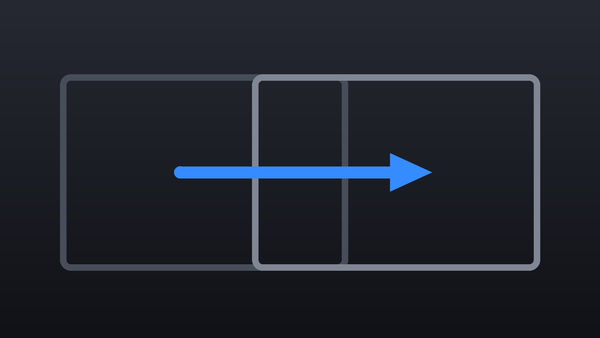
Collection · 18 plugins
12 titles and 6 effects.