Preflight In the app
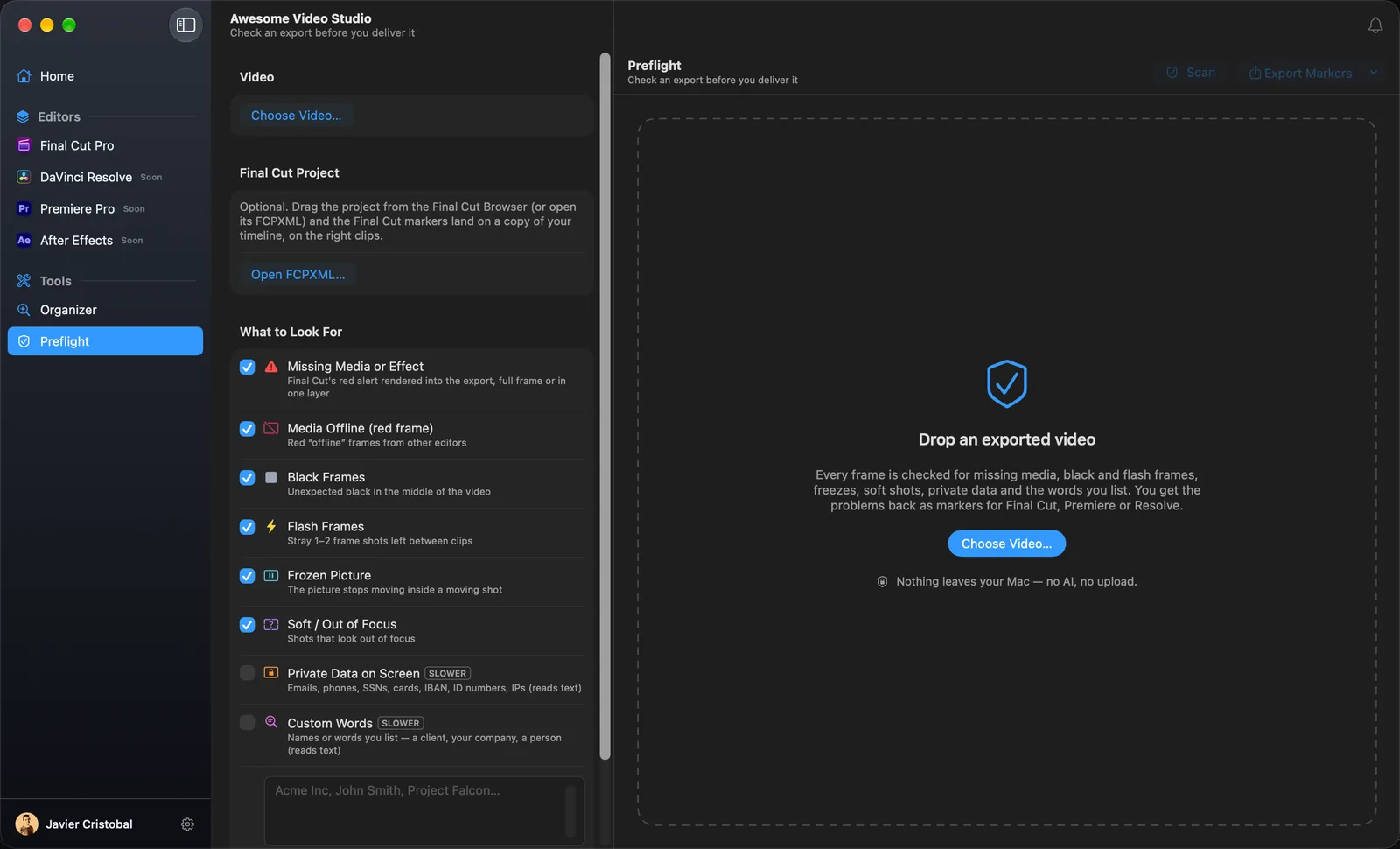
Check an export before you deliver it. Drop the finished video and every frame is read in order, none skipped, looking for the mistakes that are embarrassing to send to a client:
- Missing media or effect. Final Cut's red alert rendered into the export, full frame or hidden in one layer, with where in the frame it is.
- Media offline. The red offline frame from Premiere and Resolve.
- Black frames in the middle of the video.
- Flash frames: stray one or two frame shots left between clips.
- Frozen picture inside a shot that should be moving.
- Soft shots that look out of focus.
- Faces you may need to blur.
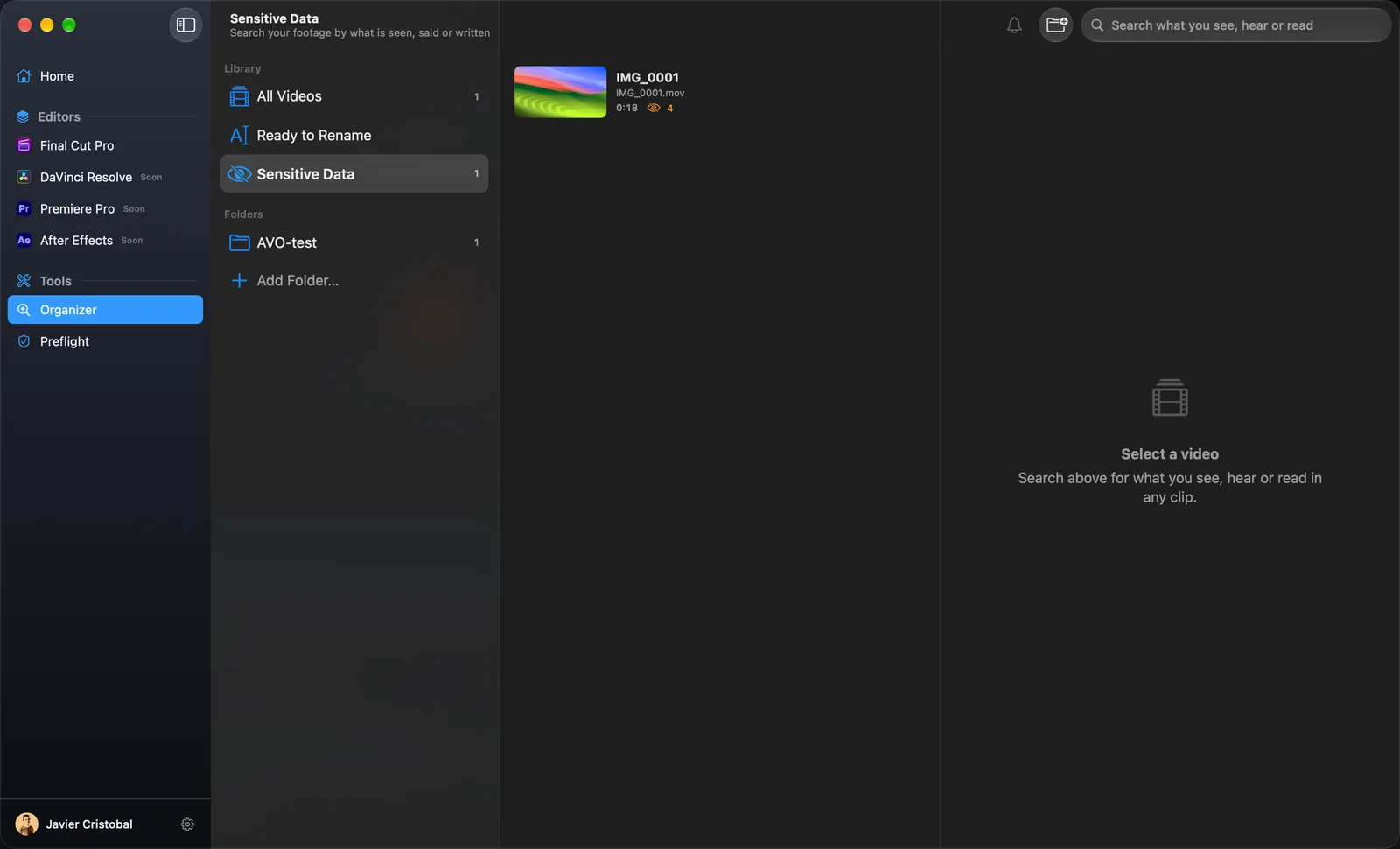
- Private data on screen: emails, phone numbers, Social Security numbers, card numbers, IBANs, ID numbers and IP addresses.
- Custom words you list: a client's name, your company, a person.
What it finds comes back as markers. Sure problems are to-do markers; anything doubtful is a CHECK marker, so you decide instead of an algorithm. Drag in the Final Cut Pro project as well and the markers land on the right clips, on a copy of your timeline. Editing elsewhere? It also writes markers for Premiere Pro and DaVinci Resolve.