
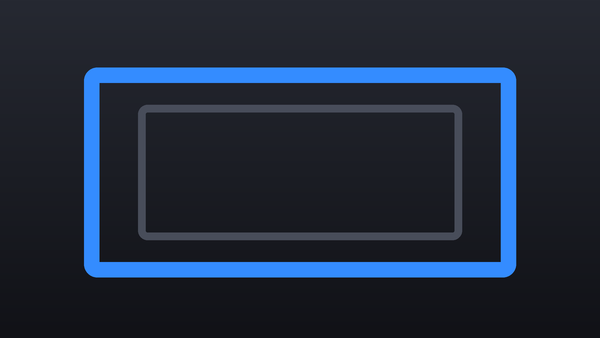
Collection · 2 plugins
Frames
- Title2
2 titles.
- Frame 01
- Frame 02
2 plugins: 2 effects. They install with Awesome Video Studio and show up in your Final Cut Pro browser under Awesome Masks, which is how you find them once they are installed.

Auto Redact
Auto Redact
Drop on a clip to hide sensitive info automatically: it finds emails, phone numbers, card numbers, faces or words you list, frame by frame, and pixelates, blurs or covers them.

Shape Mask
Shape Mask
Drop on a clip to mask it to a rounded rectangle, iOS squircle or ellipse with true round corners and even feather. Invert it or dim the outside for a spotlight.
Every plugin here is a real FxPlug effect, not a preset or an overlay file. Awesome Video Studio installs them and keeps them up to date, so a fix reaches you without reinstalling anything by hand.
They appear in Final Cut Pro under Awesome Masks, and because every name starts with Awesome they sort to the top of the browser instead of being scattered through it.
Collection · 2 plugins
2 titles.

Collection · 2 plugins
2 titles.

Collection · 19 plugins
12 titles, 5 effects and 2 transitions.
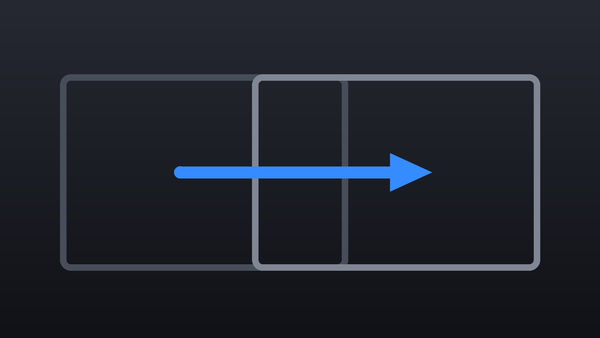
Collection · 18 plugins
12 titles and 6 effects.