
Collection · 2 plugins
Masks
- Effect2
2 effects.
- Auto Redact
- Shape Mask
2 plugins: 2 titles. They install with Awesome Video Studio and show up in your Final Cut Pro browser under Awesome Panels, which is how you find them once they are installed.
Side Panel
Side Panel
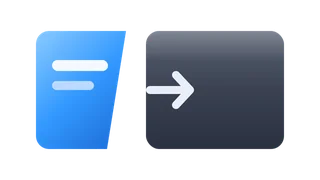
Adjustment layer that slides in a side panel and pushes the video below aside to make room. Choose left, right or both, an edge shape (zigzag, curve, waves...) and a color or image fill.
Stack Panels
Stack Panels
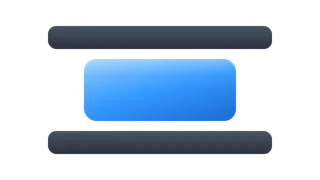
Adjustment layer that shrinks the video below into a card anchored top, center or bottom, with the background showing around it. Good for podcast or tutorial layouts; use a color or image.
Every plugin here is a real FxPlug effect, not a preset or an overlay file. Awesome Video Studio installs them and keeps them up to date, so a fix reaches you without reinstalling anything by hand.
They appear in Final Cut Pro under Awesome Panels, and because every name starts with Awesome they sort to the top of the browser instead of being scattered through it.
Collection · 2 plugins
2 effects.

Collection · 2 plugins
1 title and 1 effect.

Collection · 19 plugins
12 titles, 5 effects and 2 transitions.
Collection · 18 plugins
12 titles and 6 effects.