
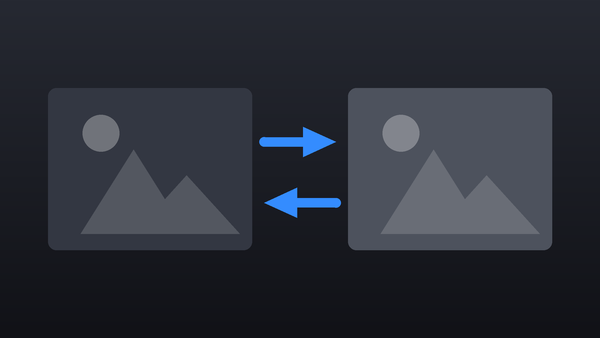
Collection · 5 plugins
Transitions
- Transition5
5 transitions.
- Glitch
- Gradient Wipe
- Pixelate
- Whip Pan
- +1 more
4 plugins: 1 title, 3 effects. They install with Awesome Video Studio and show up in your Final Cut Pro browser under Awesome Animator, which is how you find them once they are installed.

Path Follow
Path Follow
Moves your dropped media along a smooth path through up to 16 points you draw in the viewer. Set easing, loops and scale, and optionally draw the path line as a trail.
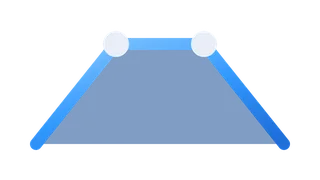
Build In-Out
Build In-Out
Drop it on any clip or title to animate it in at the start and out at the end, no keyframes. Choose fade, pop or a slide in four directions, and set each duration.
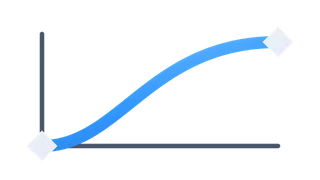
Ease Movements
Ease Movements
Drop it on a clip, keyframe Size, Position and Rotation as usual, and it applies one easing curve to every move: ease in or out, expo, back, elastic or bounce, plus motion blur.

Ken Burns
Ken Burns
Drop it on a photo or clip for a Ken Burns move across its duration, no keyframes. Set start and end scale, position and rotation, pick an easing curve, and add motion blur.
Every plugin here is a real FxPlug effect, not a preset or an overlay file. Awesome Video Studio installs them and keeps them up to date, so a fix reaches you without reinstalling anything by hand.
They appear in Final Cut Pro under Awesome Animator, and because every name starts with Awesome they sort to the top of the browser instead of being scattered through it.
Collection · 5 plugins
5 transitions.

Collection · 4 plugins
3 titles and 1 generator.

Collection · 19 plugins
12 titles, 5 effects and 2 transitions.
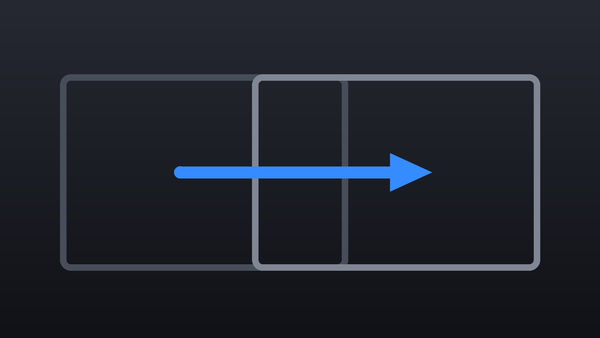
Collection · 18 plugins
12 titles and 6 effects.