
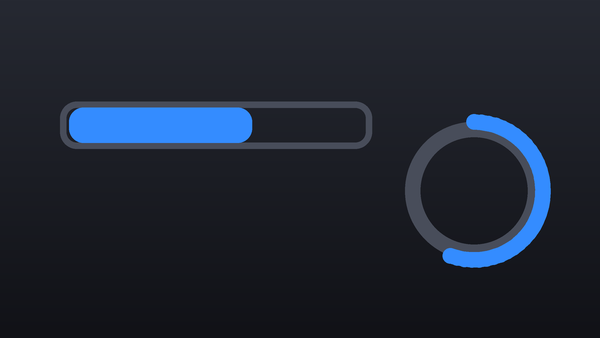
Collection · 5 plugins
Progress Bars
- Title5
5 titles.
- Liquid Fill
- Progress Bar
- Progress Circle
- Progress Dots
- +1 more
5 plugins: 5 transitions. They install with Awesome Video Studio and show up in your Final Cut Pro browser under Awesome Transitions, which is how you find them once they are installed.
Glitch
Glitch
Place between two clips for a digital glitch cut: blocky distortion breaks up the outgoing shot into the next. Intensity and block density set how rough it gets.

Gradient Wipe
Gradient Wipe
Place between two clips to wipe by brightness, highlights or shadows first, optionally pushed in a direction. Add a colored edge glow or burn the outgoing shot.

Pixelate
Pixelate
Place between two clips: the outgoing shot breaks into growing pixels and the next one rebuilds. Four styles, plus block size, scanlines, jitter and color crush.

Whip Pan
Whip Pan
Place between two clips for a fast whip pan cut with motion blur. Choose left, right, up or down and set the strength and amount of blur.

Zoom Blur
Zoom Blur
Place between two clips for a punch-in zoom with radial motion blur that hides the cut. Two controls: zoom amount and motion blur strength.
Every plugin here is a real FxPlug effect, not a preset or an overlay file. Awesome Video Studio installs them and keeps them up to date, so a fix reaches you without reinstalling anything by hand.
They appear in Final Cut Pro under Awesome Transitions, and because every name starts with Awesome they sort to the top of the browser instead of being scattered through it.
Collection · 5 plugins
5 titles.

Collection · 4 plugins
1 title and 3 effects.

Collection · 19 plugins
12 titles, 5 effects and 2 transitions.
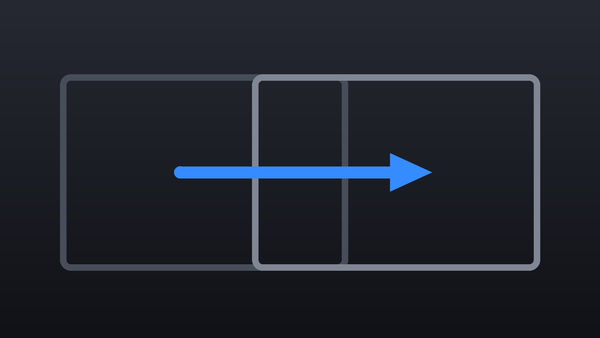
Collection · 18 plugins
12 titles and 6 effects.