

Collection · 5 plugins
Podcast
- Title5
5 titles.
- Episode Card
- Speaker Tag
- Subscribe Reminder
- Topic Card
- +1 more
5 plugins: 5 titles. They install with Awesome Video Studio and show up in your Final Cut Pro browser under Awesome Progress, which is how you find them once they are installed.

Liquid Fill
Liquid Fill
A drop, glass or bar that fills with water over the length of the clip, with waves, slosh and bubbles. Add a title, subtitle and percentage, and set the water colors.

Progress Bar
Progress Bar
A progress bar that fills over the clip's duration or sits at a fixed percentage. Move and size it in the viewer, set height, roundness, track and fill colors, and an optional label.
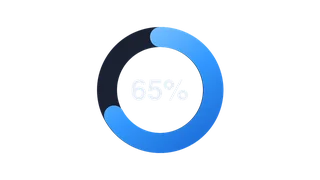
Progress Circle
Progress Circle
A circular progress ring that fills across the clip or holds a set percentage. Adjust thickness, track and fill colors, and show a percentage label if you want.

Progress Dots
Progress Dots
A row of dots or segments that light up step by step as the clip plays, or at a set progress. Choose the number of steps, dot size, gap and colors, with an optional label.
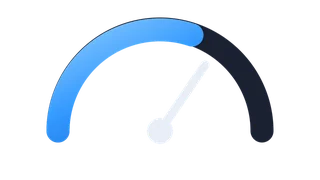
Progress Gauge
Progress Gauge
A gauge style meter that fills over the clip or shows a fixed value. Set the sweep angle and thickness, turn the needle on or off, and pick track, fill and label colors.
Every plugin here is a real FxPlug effect, not a preset or an overlay file. Awesome Video Studio installs them and keeps them up to date, so a fix reaches you without reinstalling anything by hand.
They appear in Final Cut Pro under Awesome Progress, and because every name starts with Awesome they sort to the top of the browser instead of being scattered through it.
Collection · 5 plugins
5 titles.
Collection · 5 plugins
5 transitions.

Collection · 19 plugins
12 titles, 5 effects and 2 transitions.
Collection · 18 plugins
12 titles and 6 effects.